Open an SBI Account Online: Learn how to open an SBI account online in India with zero balance. Step-by-step guide, eligibility criteria, FAQs, and tips for a smooth account opening process.
How to Open an SBI Account Online in India
Opening a bank account is a fundamental step towards financial independence and managing your finances effectively. In India, the State Bank of India (SBI) stands as a trusted institution offering a range of banking services. With the advent of digital banking, SBI has simplified the account opening process, allowing individuals to open an account online from the comfort of their homes.
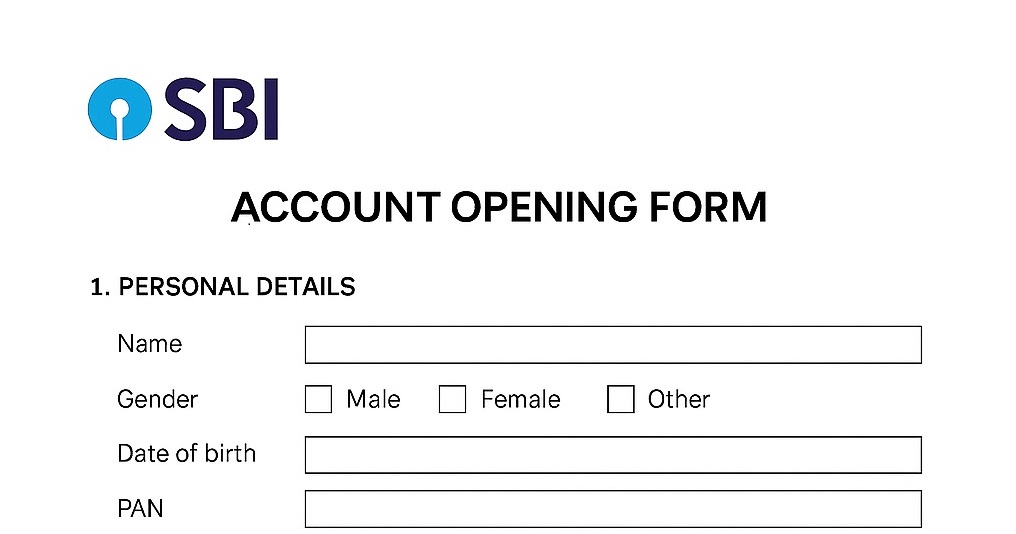
This comprehensive guide will walk you through the process of opening an SBI account online in India, covering various account types, eligibility criteria, required documents, and frequently asked questions. Whether you’re a student, salaried professional, or a first-time account holder, this guide aims to provide you with all the information you need to get started.
Quick Overview
| Feature | Details |
|---|---|
| Account Types | Savings, Current, NRI, Zero Balance, Minor, Insta Plus |
| Opening Mode | Online via YONO App, Internet Banking, Video KYC |
| Minimum Balance | Zero for certain accounts; varies for others |
| Passbook Availability | Available for most accounts |
| Debit Card | Issued post account activation |
| Account Activation Time | Instant to 1-2 working days |
| Mobile Banking | YONO App, SBI Anywhere, SMS Banking |
| Internet Banking | Available post account activation |
| Customer Support | 24/7 support via YONO App, SBI website, and branch visits |
Important Links
| Purpose | Link |
|---|---|
| Official SBI Website | https://sbi.co.in |
| YONO App Download (Google Play) | Download Here |
| YONO App Download (App Store) | Download Here |
| Account Opening Portal | Open Account |
| Video KYC Process | Video KYC |
What is a Open an SBI Account Online?
Types of Bank Accounts
- Savings Account: Designed for individuals to save money while earning interest.
- Current Account: For businesses and professionals with high transactions.
- NRI Account: For Non-Resident Indians to manage income in India.
- Zero Balance Account: Basic savings account with no minimum balance.
- Minor Account: Accounts for individuals under 18 years managed by guardian.
- Insta Plus Account: Instant savings account via Video KYC.
Benefits of Having a Bank Account
- Safe Storage of money
- Earn Interest
- Easy Transactions
- Access to Loans
- Digital Banking Convenience
What is an SBI Account?
Types of SBI Accounts
- Basic Savings Bank Deposit Account (BSBDA)
- Insta Plus Account
- Regular Savings Account
- Current Account
- Minor Account
- NRI Account
Benefits of Having an SBI Bank Account
- Wide Accessibility: Extensive branch and ATM network
- Digital Banking: YONO App, Internet Banking
- Customer Support: 24/7 assistance
- Variety of Services: Loans, insurance, investments
SBI Account Opening Process
Online Account Opening via YONO App
- Download the YONO App from Google Play or App Store
- Select ‘Open Savings Account’
- Provide KYC Details (Aadhaar, PAN)
- Schedule Video KYC
- Complete Video Call Verification
- Account Activation
Offline Account Opening
- Visit nearest SBI branch
- Fill the application form
- Submit KYC documents
- Verification by bank officials
- Account Activation
Tips for a Smooth Online SBI Account Opening
- Ensure Documents are Correct
- Double-Check Information
- Avoid Common Mistakes (e.g., linking mobile number to Aadhaar)
SBI Account Types Comparison
| Account Type | Minimum Balance | Interest Rate (p.a.) | Passbook | Debit Card |
|---|---|---|---|---|
| Basic Savings Bank Deposit Account (BSBDA) | ₹0 | 3.50% | Yes | Yes |
| Regular Savings Account | ₹1,000 | 3.50% | Yes | Yes |
| Insta Plus Account | ₹0 | 3.50% | Digital Passbook | Yes |
| Current Account | ₹10,000 | No interest | Yes | Yes |
| Minor Account | ₹0 | 3.50% | Yes | Yes (Guardian) |
SBI Savings Account Interest Rate Chart
Interest Rate by Balance Slab
| Balance Slab | Interest Rate (p.a.) |
|---|---|
| Up to ₹1 lakh | 3.50% |
| ₹1 lakh – ₹5 lakh | 3.50% |
| Above ₹5 lakh | 3.50% |
SBI Account Features Comparison
| Feature | BSBDA | Regular Savings | Insta Plus |
|---|---|---|---|
| Zero Balance | Yes | No | Yes |
| Online Banking | Yes | Yes | Yes |
| Debit Card | Yes | Yes | Yes |
| Passbook | Yes | Yes | Digital Only |
How to Open an SBI Account Online Zero Balance, Saving Account, Current A/C 2026
(FAQs) Open an SBI Account Online
- Can I open an SBI account online? Yes, via YONO App or Internet Banking.
- Is there a minimum balance requirement? Some accounts like BSBDA have zero balance.
- What documents are required? Aadhaar, PAN, photo.
- Will I get a passbook? Yes, for most accounts.
- Can I open an account using YONO? Yes.
- Is there a charge? No.
- How long does it take? Instant to 1-2 days.
- Can I open a joint account online? Yes.
- Is Video KYC mandatory? Yes.
- Can I avoid visiting branch? Yes, via online.
- Daily withdrawal limit? Varies by account type.
- Can I link to UPI? Yes.
- Age limit? Above 18, minors via guardian.
- Non-Indian citizens? NRI accounts available.
- Zero balance option? Yes, BSBDA.
- Passbook delivery method? Branch or by post.
- Debit card issuance? Yes, post account activation.
- Mobile banking access? YONO App, SBI Anywhere.
- Interest rate on savings? Varies by account type.
- Can I change account type later? Yes, with branch permission.
Real-Life Examples, Case Studies, & Testimonials
Case Study 1: Student Opens Zero Balance Account
Rohit, a 20-year-old college student in Delhi, wanted a bank account for his first part-time salary. He used the SBI YONO App to open a zero balance account online. Within 30 minutes, his KYC was verified through a video call. Rohit shared, “I never imagined opening a bank account could be this easy! No branch visit, no hassle, and I got my debit card in just 2 days.”
Case Study 2: Working Professional Uses Online Account for Salary
Neha, a software engineer in Bengaluru, needed a bank account to receive her salary. She opted for a Regular Savings Account online through SBI. Her account was activated the same day. Neha stated, “The YONO app guided me step-by-step. I even got a digital passbook instantly. It’s perfect for someone like me who is always busy with work.”
Example 3: NRI Opens Account from Abroad
Rahul, living in the UAE, wanted to open an NRI account to manage his investments in India. Using SBI’s online portal, he completed the Video KYC process. Within 48 hours, his account was active. Rahul said, “I didn’t have to fly to India. Opening an account online made managing my finances effortless.”
Testimonial: Senior Citizen Benefits from Digital Banking
Mrs. Sunita Sharma, a retired teacher in Jaipur, shared her experience: “I was worried about visiting a bank during COVID times. SBI’s online account opening process was very convenient. I even linked my mobile number and got SMS alerts for every transaction. It feels safe and reliable.”
Example 5: Small Business Owner Uses Current Account
Amit, who runs a small e-commerce store in Pune, needed a Current Account for business transactions. He opened the account online and received his debit card and cheque book in less than a week. Amit said, “It’s amazing to manage all my business payments digitally without stepping into the branch. The online process saved me so much time.”
Stay connected:
Join our Telegram Channel
Chat on WhatsApp
Visit Official Website: https://finbankingtech.com/